Streamer Timer v1.0 Devlog
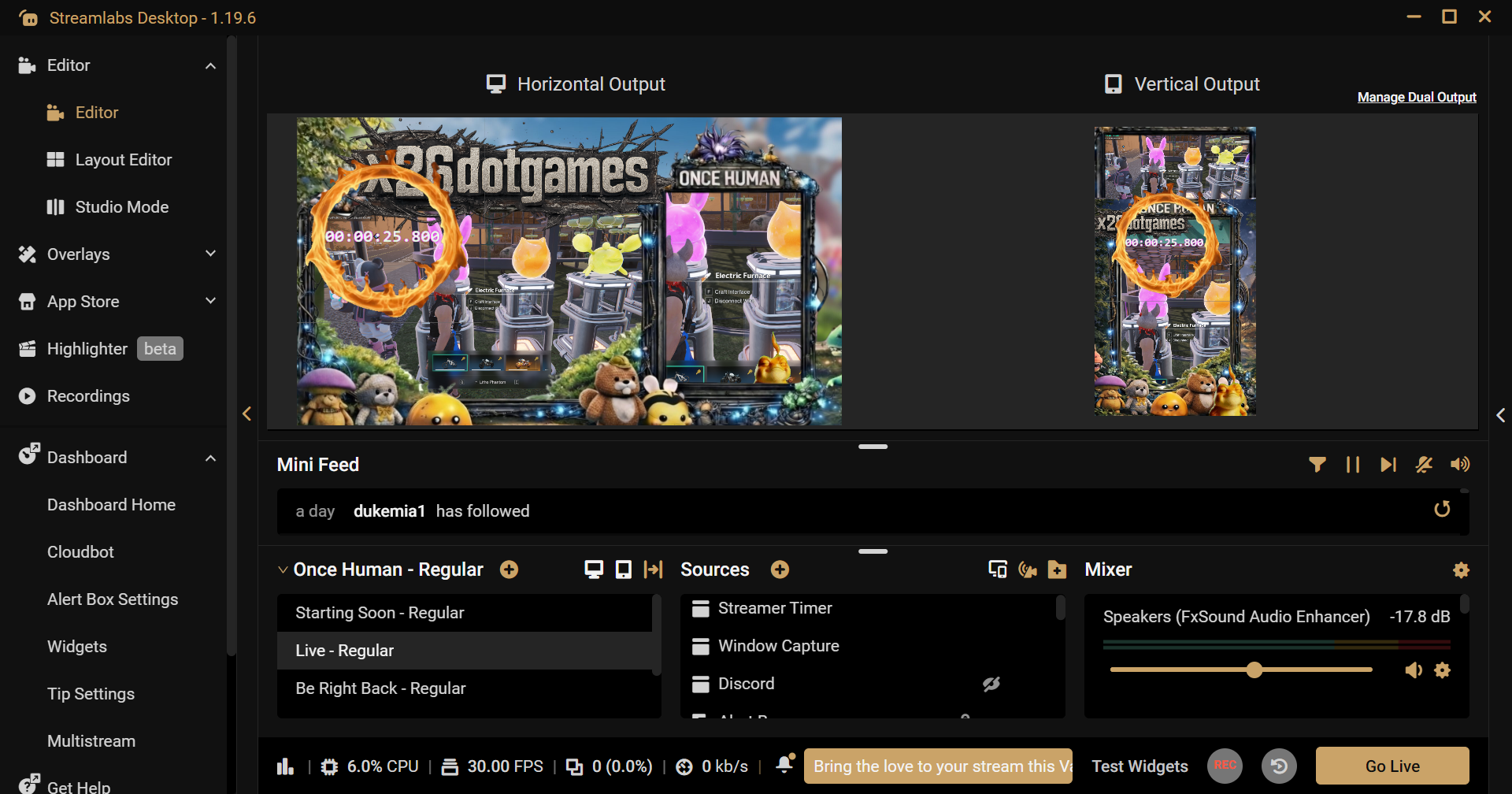
🚀 Streamer Timer v1.0 — Initial Release
A lightweight desktop timer built for streamers who want real control over their overlays — not static video files or browser sources.
---
🎯 What this does
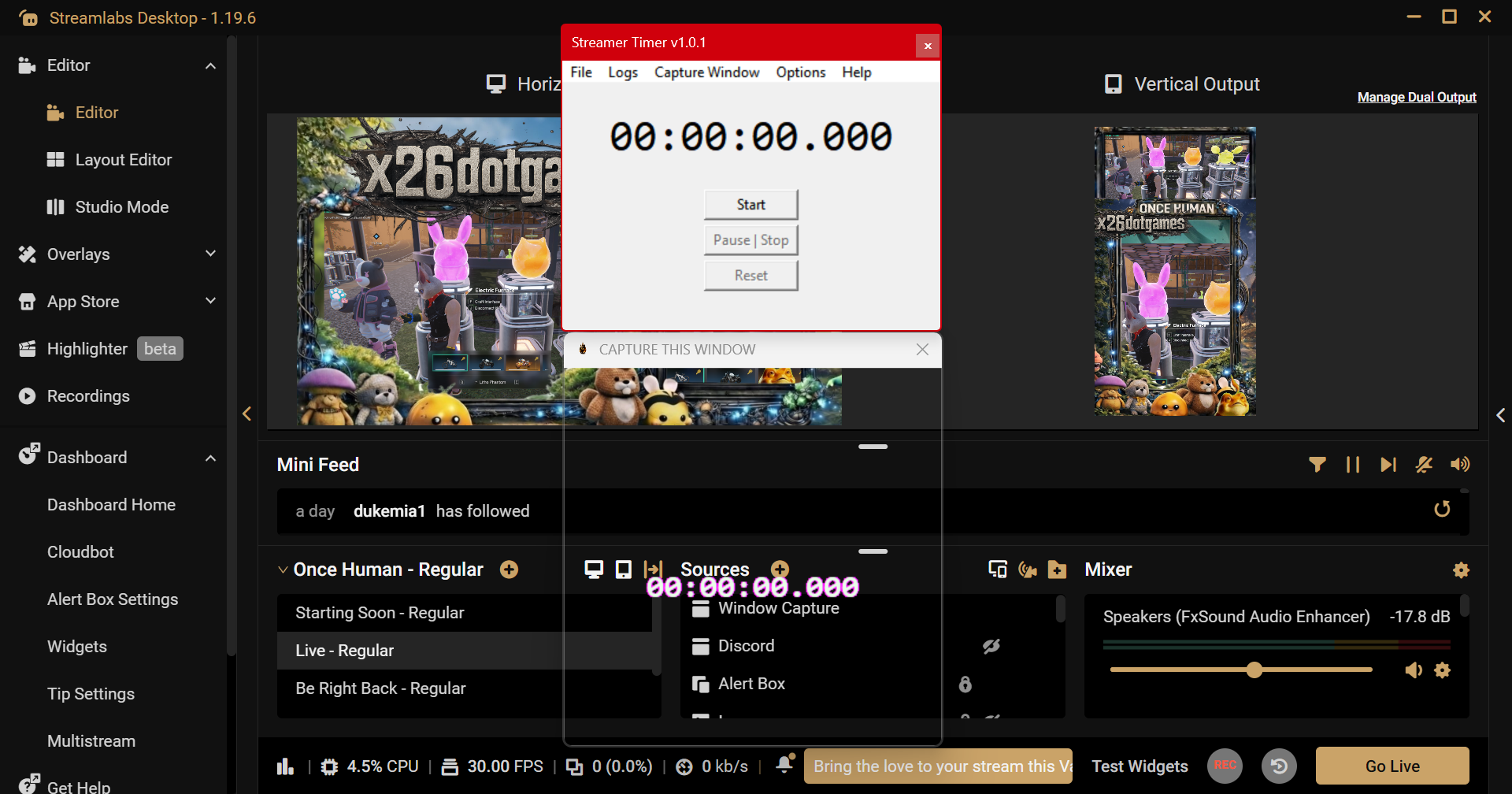
Streamer Timer runs as a real Windows application and allows you to:
• Start / Pause / Reset your timer live
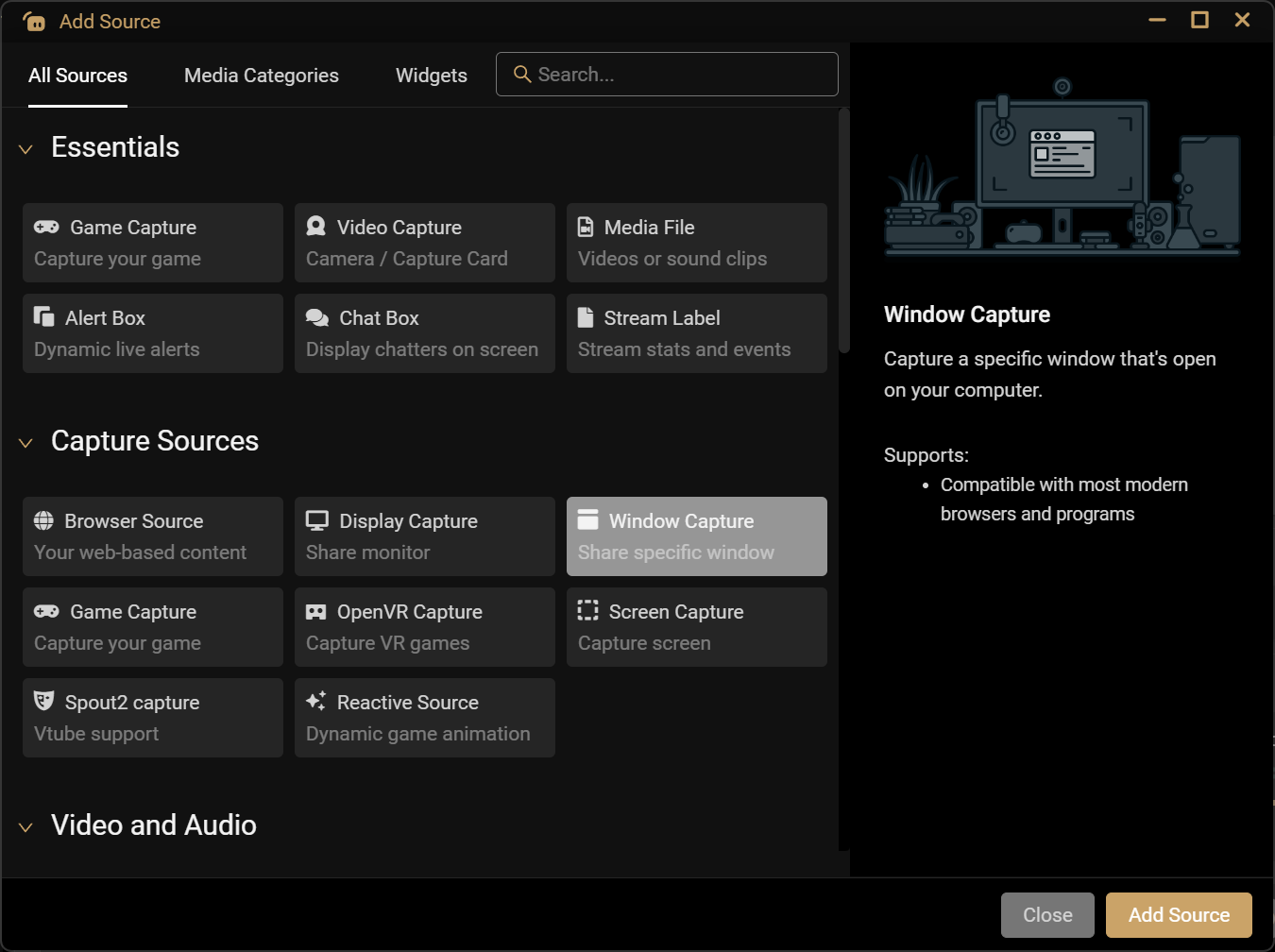
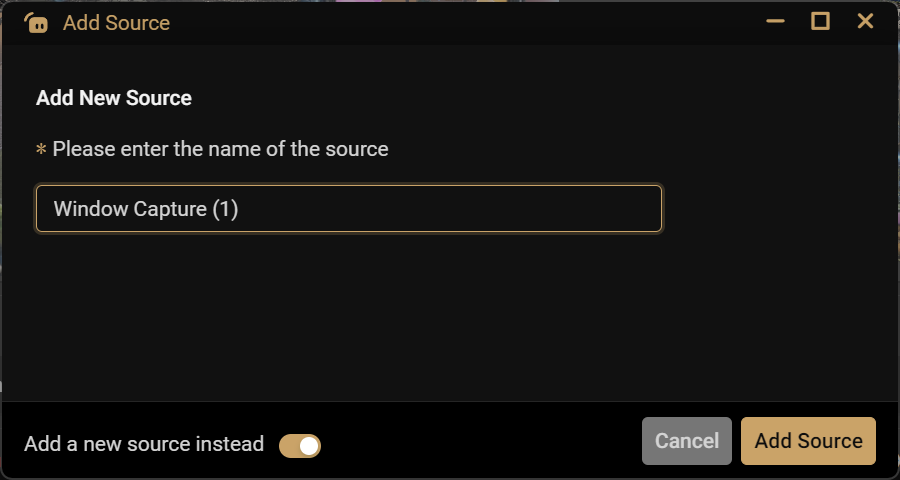
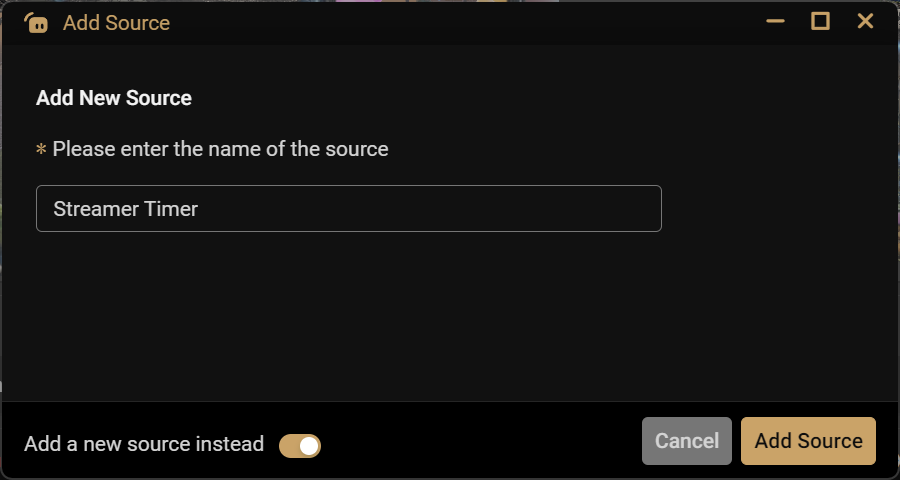
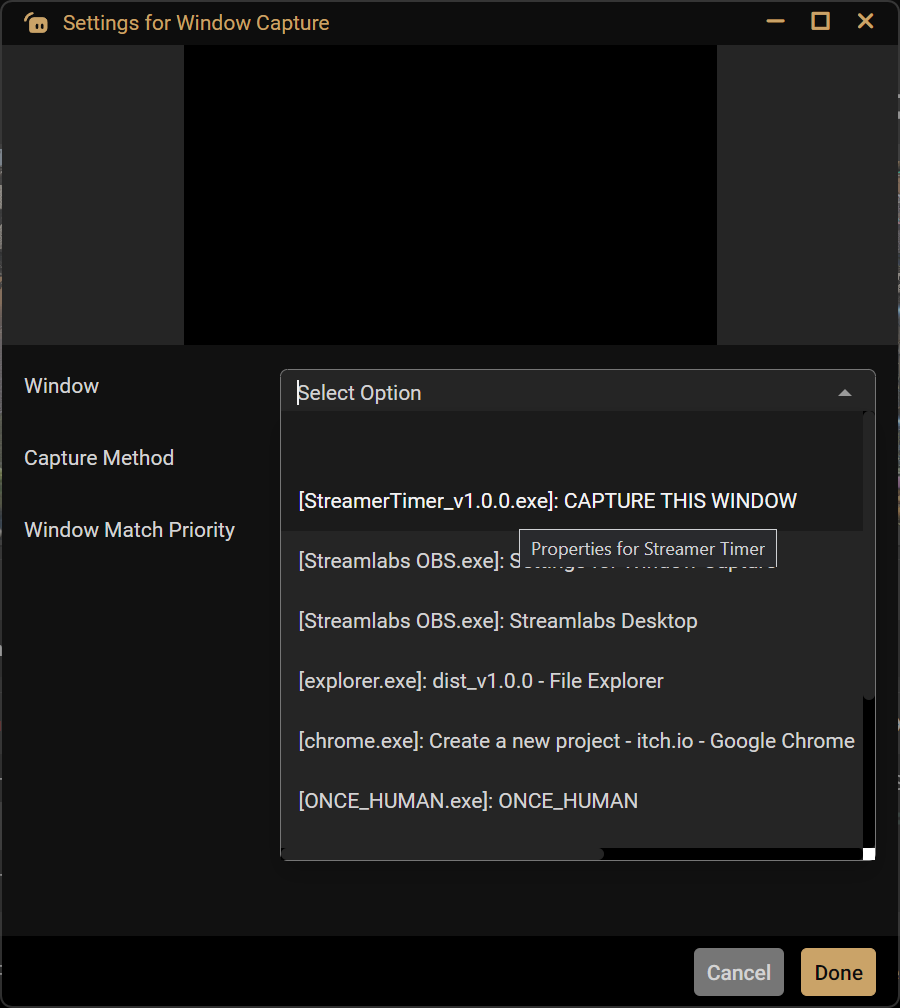
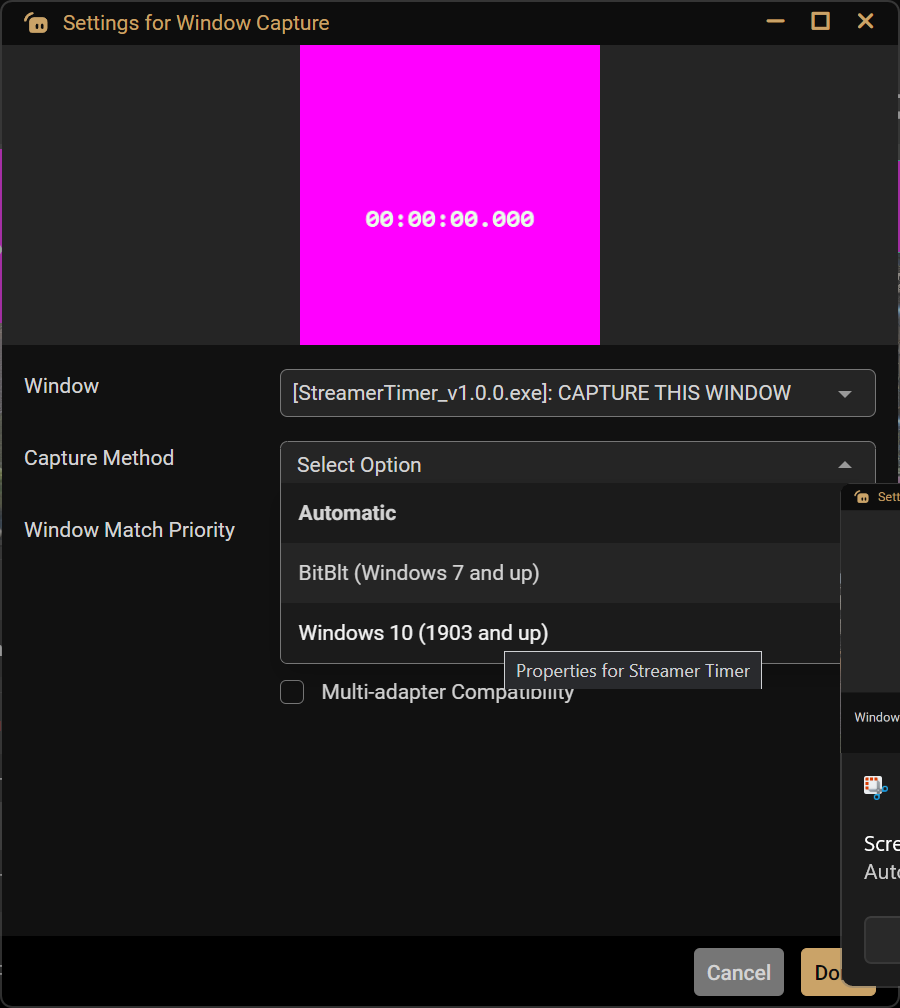
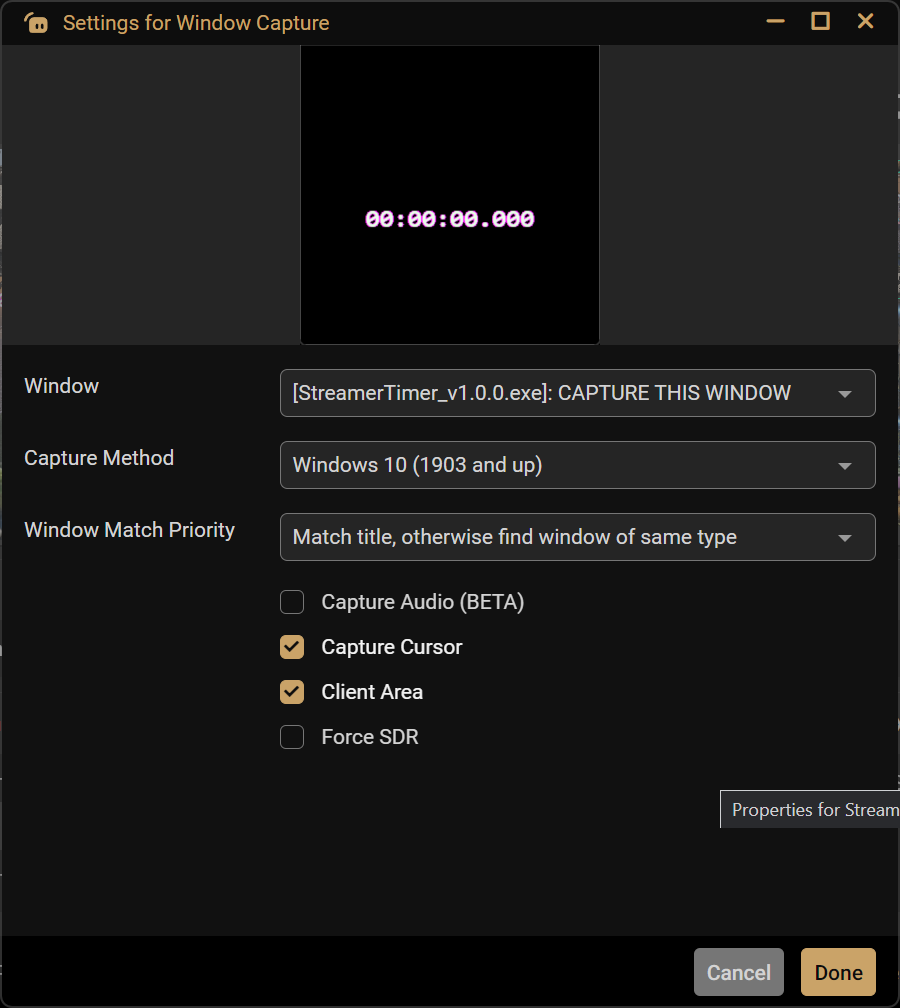
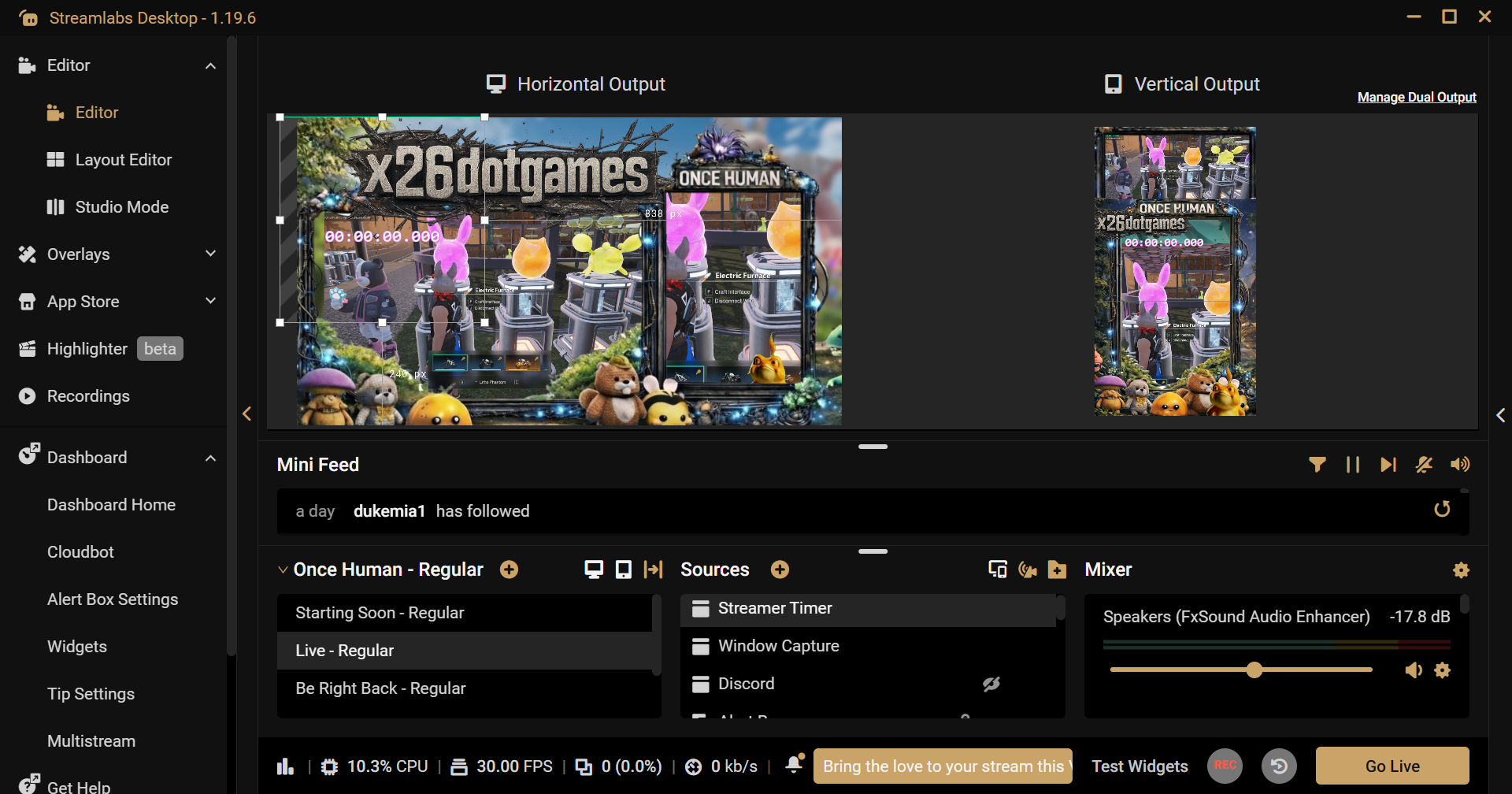
• Capture it directly into Streamlabs (or OBS)
• Use transparent overlays (no green screen needed)
• Keep full control during your stream
---
🧠 Why this exists
Most “stream timers” online are:
• Pre-rendered video files (.mp4)
• Browser sources with limited control
• Static overlays with no interaction
This tool solves that.
👉 It’s real software, built for real streaming workflows.
---
⚙️ Current Status
• Stable Windows build (.exe)
• Fully working with Streamlabs
• OBS compatible (window capture)
• Tested on Windows 11
---
🎮 Real Use Cases
• Stream countdown timers
• Speedruns
• Session tracking
• Overlay timers for Twitch / Kick / YouTube
---
📥 Download
Scroll down and download the .zip file below.
Unzip → run the .exe → done.
---
🚧 What’s coming next
• More overlay skins / styles
• Better customization options
• Performance improvements
• Community-driven features
---
💬 Feedback & Requests
If you try it, let me know:
• what works
• what doesn’t
• what you want added
This tool will evolve based on real usage.
---
🖤 Built by a solo developer focused on real, usable tools.
No fluff. No gimmicks. Just software that works.
Files
Get Streamer Timer v1 - Simple Desktop Overlay Clock for Streams
Streamer Timer v1 - Simple Desktop Overlay Clock for Streams
Simple desktop streamer timer: Track sessions with start/pause/stop/reset on StreamLabs .
Leave a comment
Log in with itch.io to leave a comment.